
HPC Desktop#
The OnDemand HPC Desktop app provides a full linux graphical desktop environment accessible via web browser.
Replacement for use cases previously served via FastX.
Start HPC Desktop#
Log in to Tufts HPC Open OnDemand:
https://ondemand-prod.pax.tufts.edu/Select HPC Desktop from the
Interactive Appsmenu.Fill out the form to allocate appropriate amount of resources for your work and click Launch HPC Desktop.
The HPC Desktop session will run on a compute node using the resources you requested.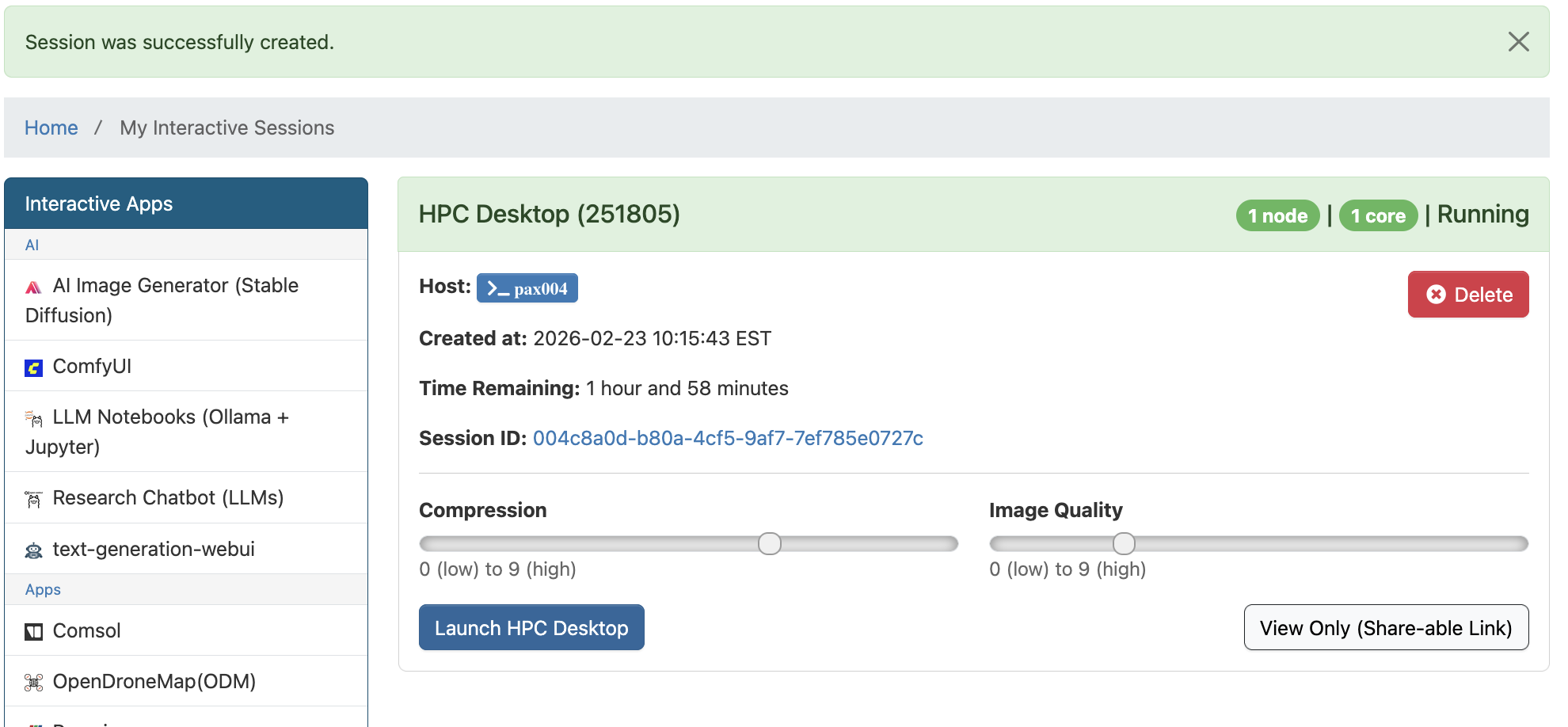
Terminal
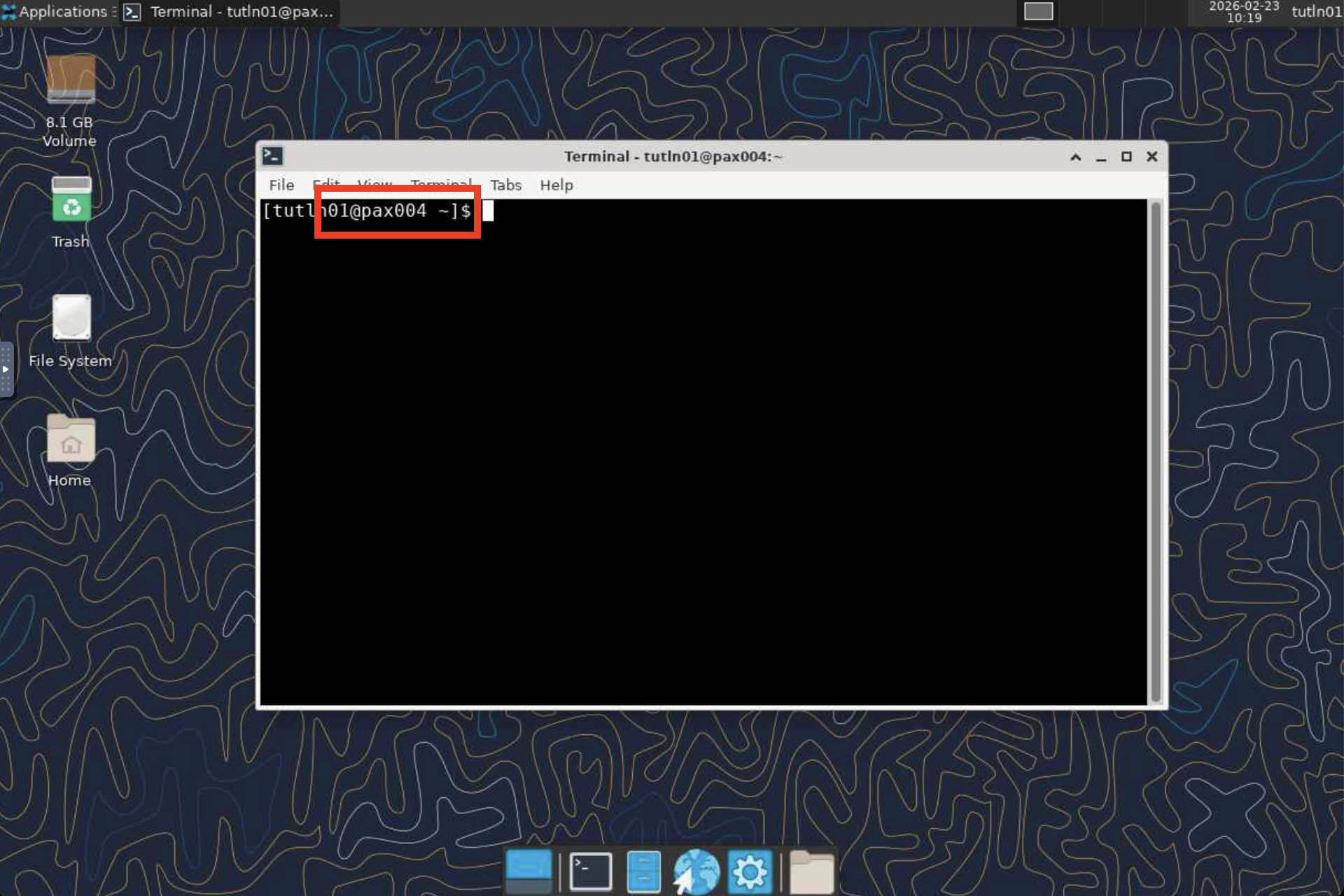
Once HPC Desktop launches, you can utilize the
Terminalapp to run commands on the allocated resource. Double click and open Terminal app: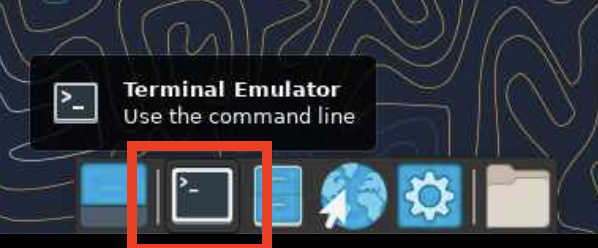
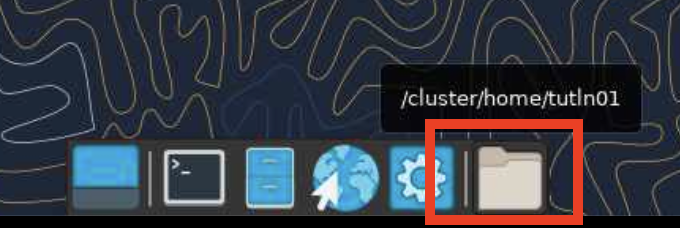
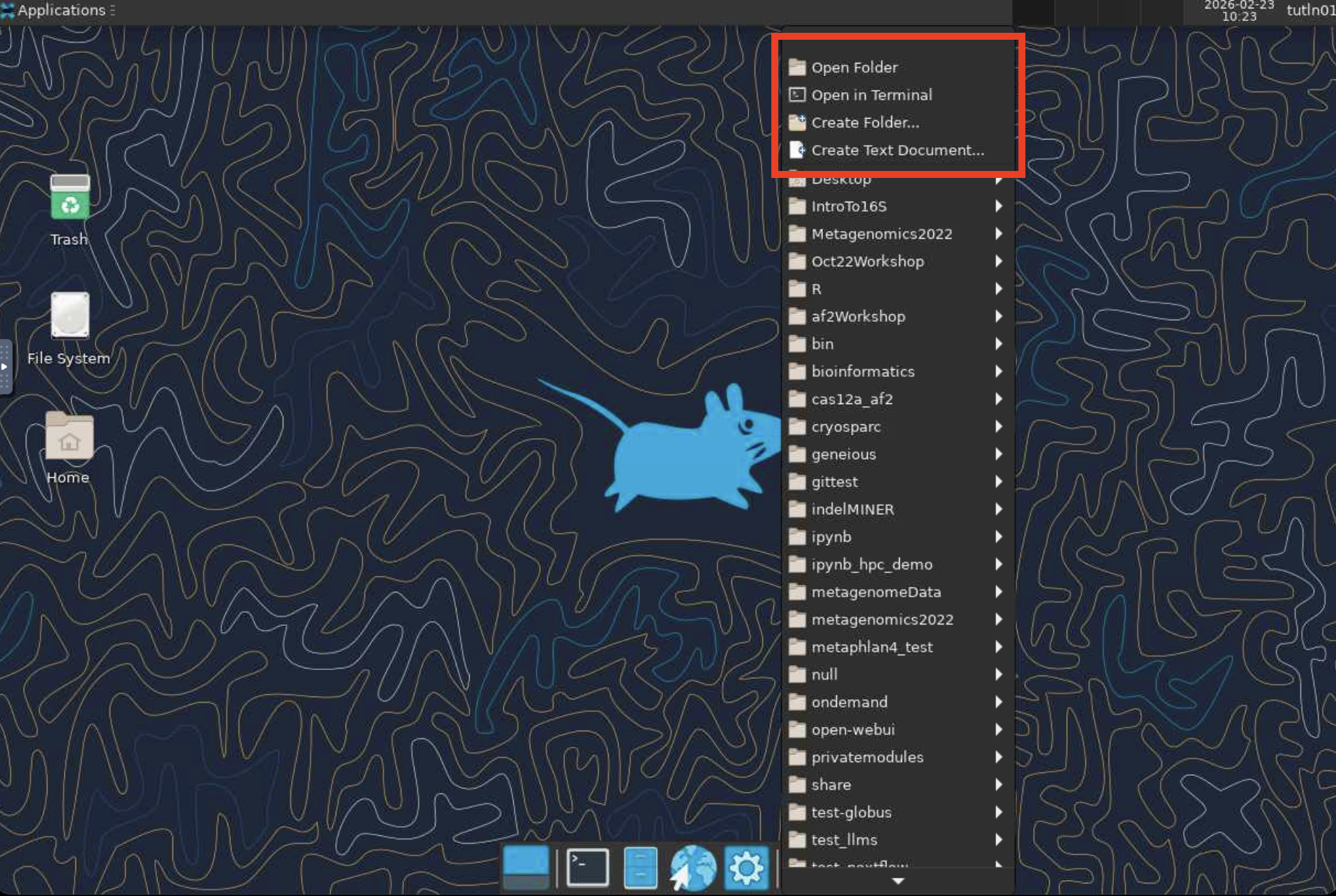
Folder
You can also use the “Folder” app to manage and edit files on the cluster:
Browser
You can open FireFox browser using the
Browserapp: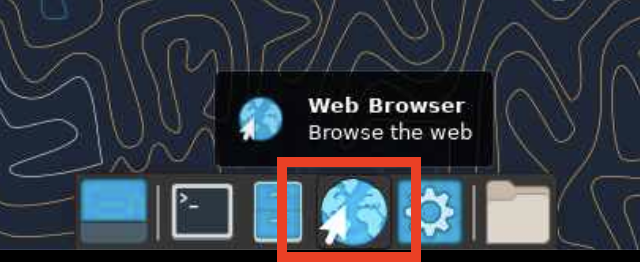
When finished, delete the HPC Desktop session in Open OnDemand to free resources for other users.