OnDemand - Tufts HPC Cluster Web Interface#
Important
VPN - Off-campus access from non-Tufts Network please connect to Tufts VPN.
Login#
OnDemand empowers Tufts HPC community with remote web access to Tufts HPC cluster. From a browser, go to OnDemand, https://ondemand-prod.pax.tufts.edu/ SSO - Use your Tufts UTLN (all lower-case) and password to login.
Explore Tufts HPC OnDemand#
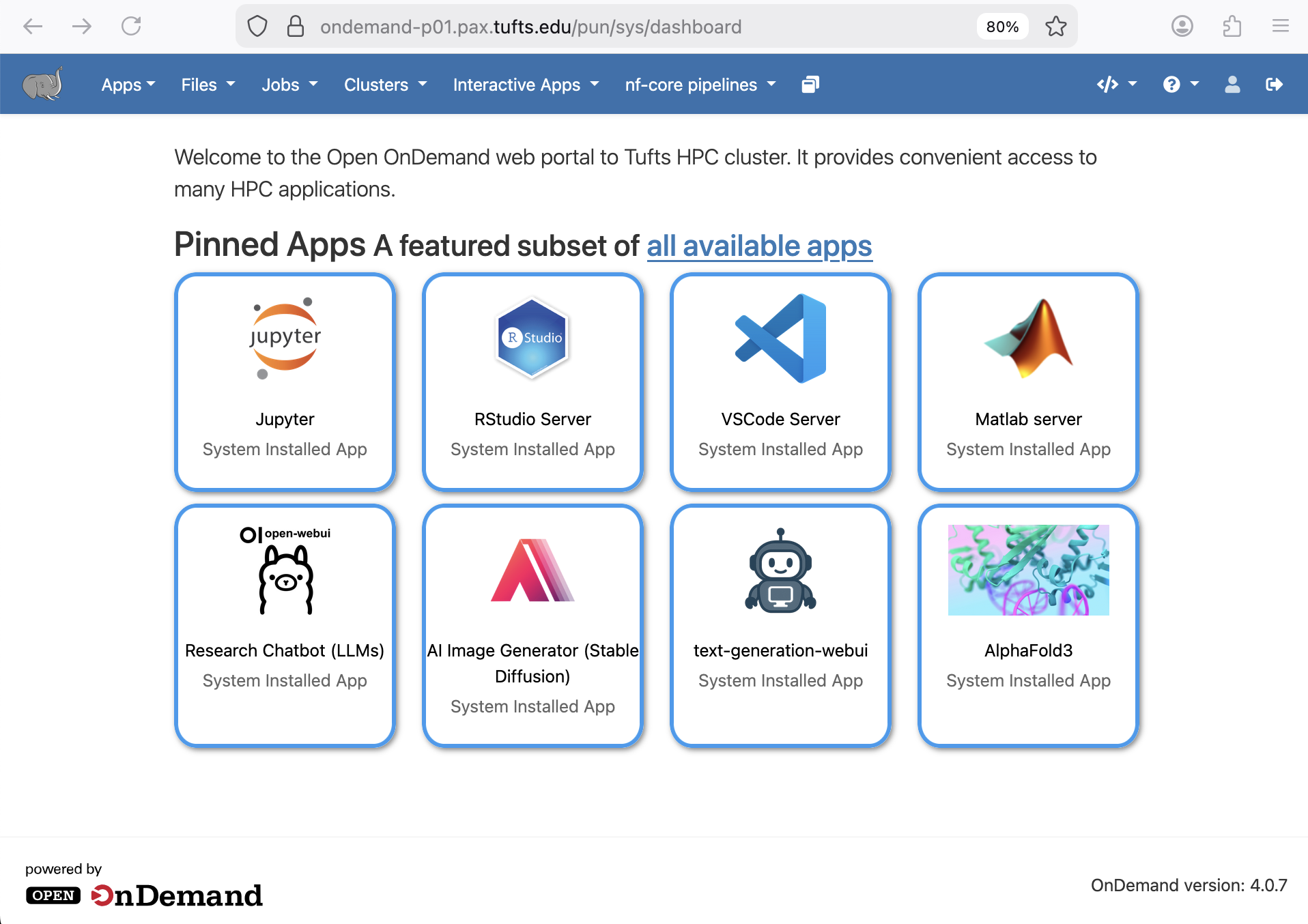
OnDemand makes it easy to access cluster resources and your favorite software for data visualization, simulations, modeling, and more.
Files#
Access, manage, and edit your files and folders on HPC cluster directly from OnDemand using Files option.
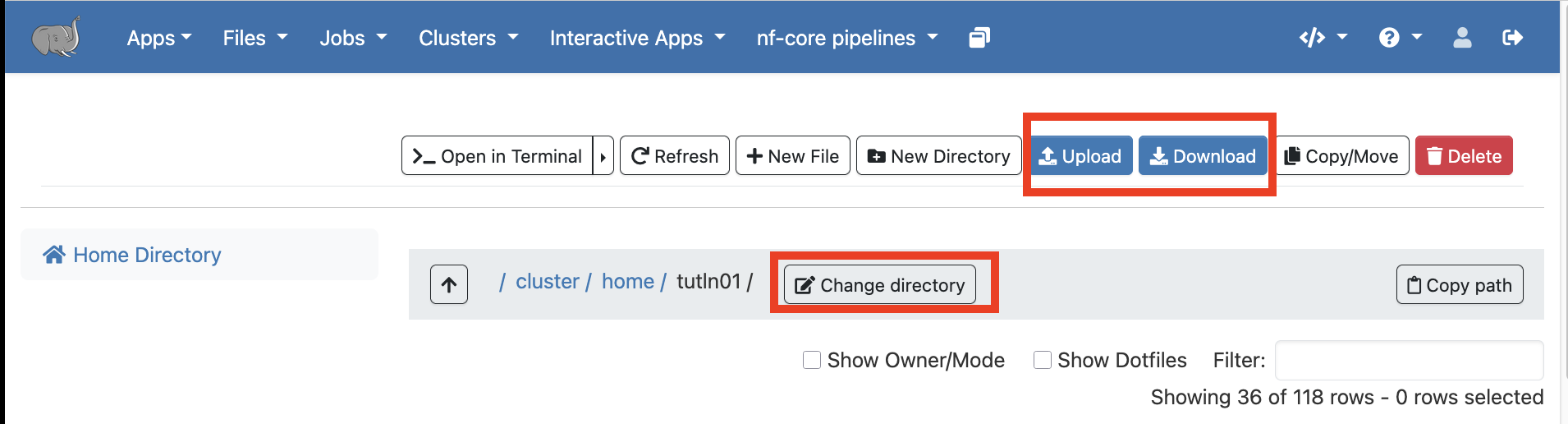
Click on Home Directory, it will take you to /cluster/home/your_username
You can use the Change directory button to go to a different folder, such as your lab folder /cluster/tufts/your_lab
You can also Upload or Download files and folders to/from the cluster from/to your local computer.
Jobs#
Use Jobs menu to monitor and manage active jobs, lookup job histories, compose and submit new jobs, as well as create and manage projects on HPC cluster.

Clusters#
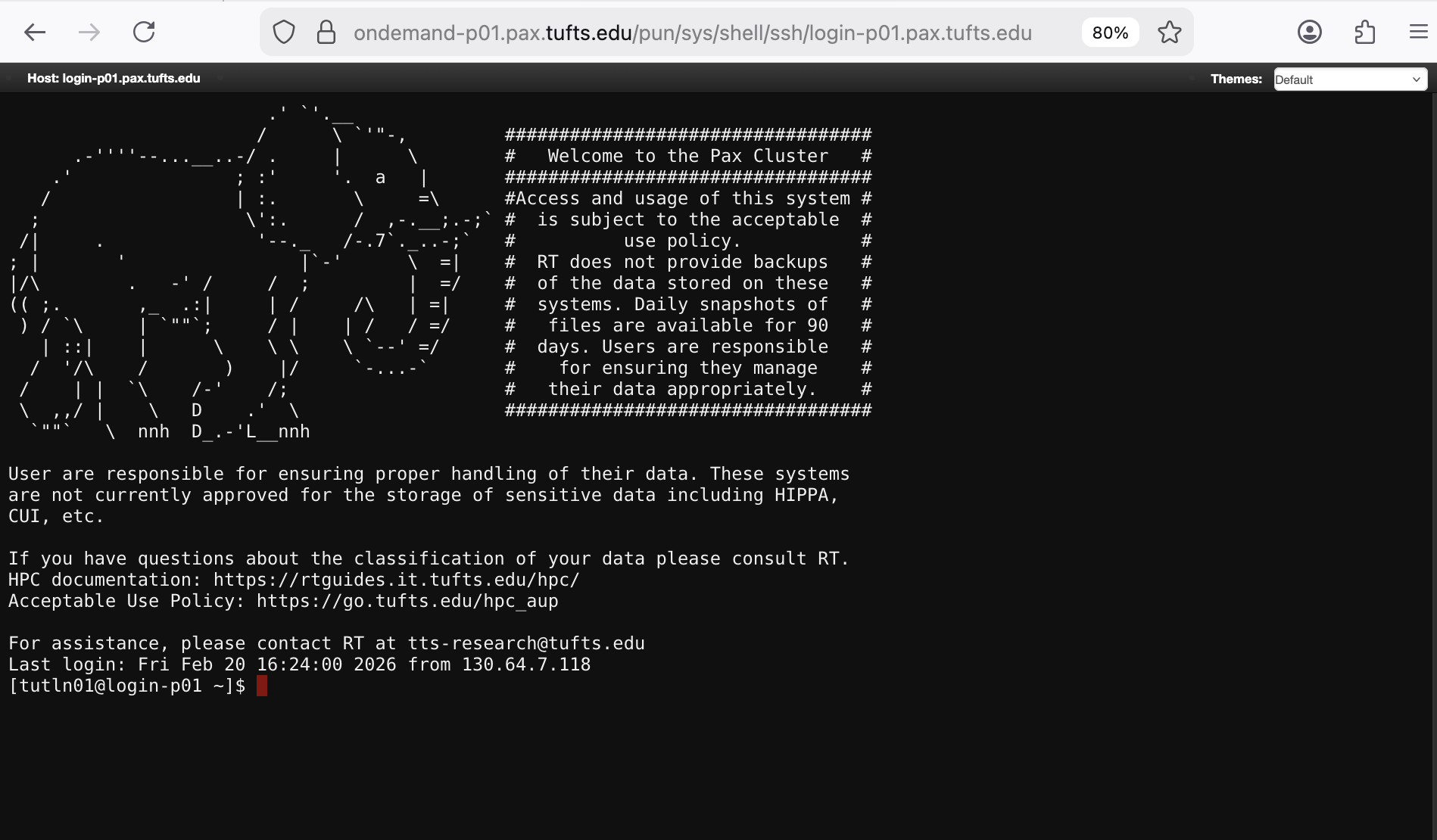
Start a terminal using Tufts HPC Shell Access in Clusters.

Tufts HPC Shell Access = $ ssh your_utln@login-prod.pax.tufts.edu
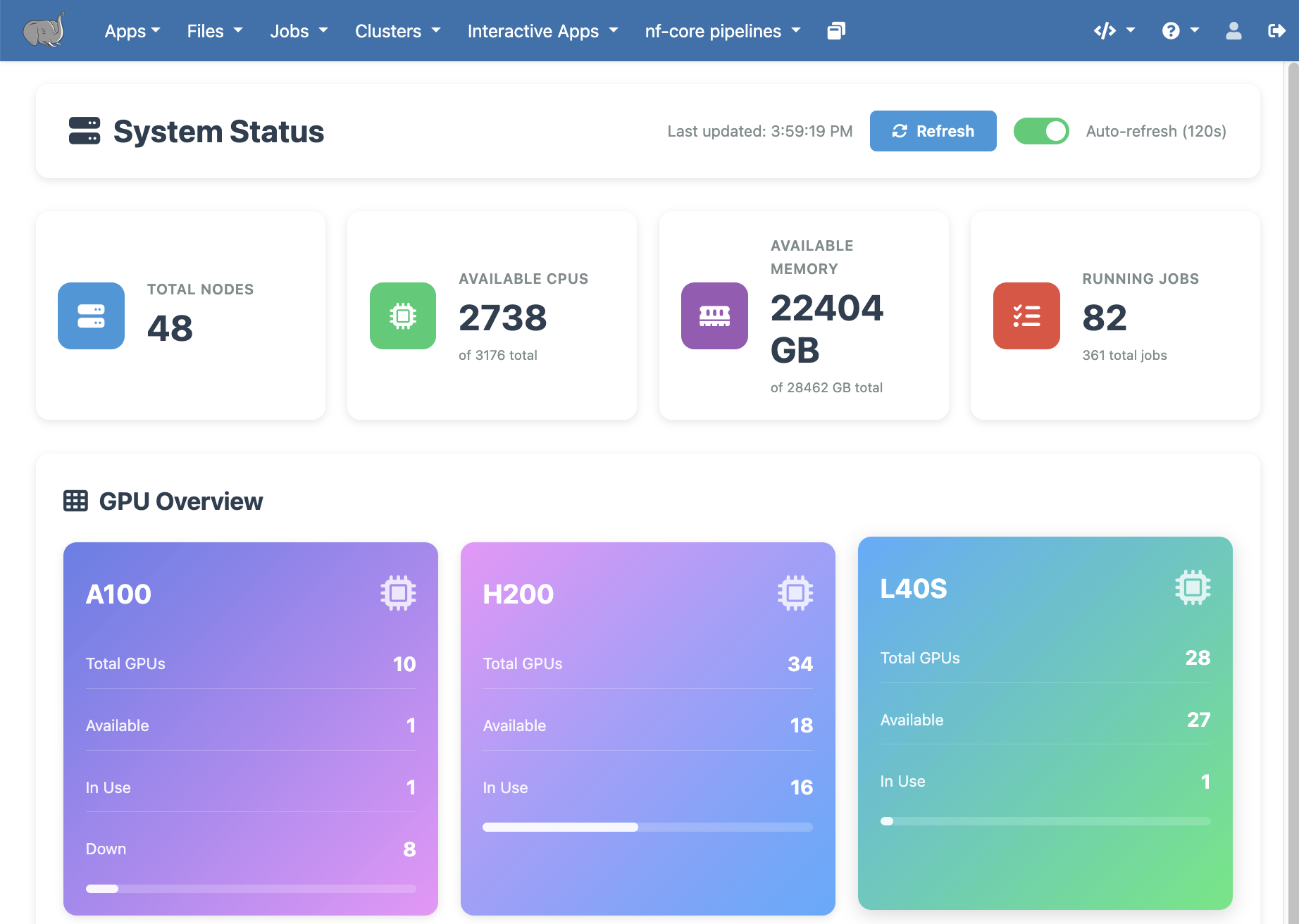
System Status provides an overview of cluster queue and resource status.
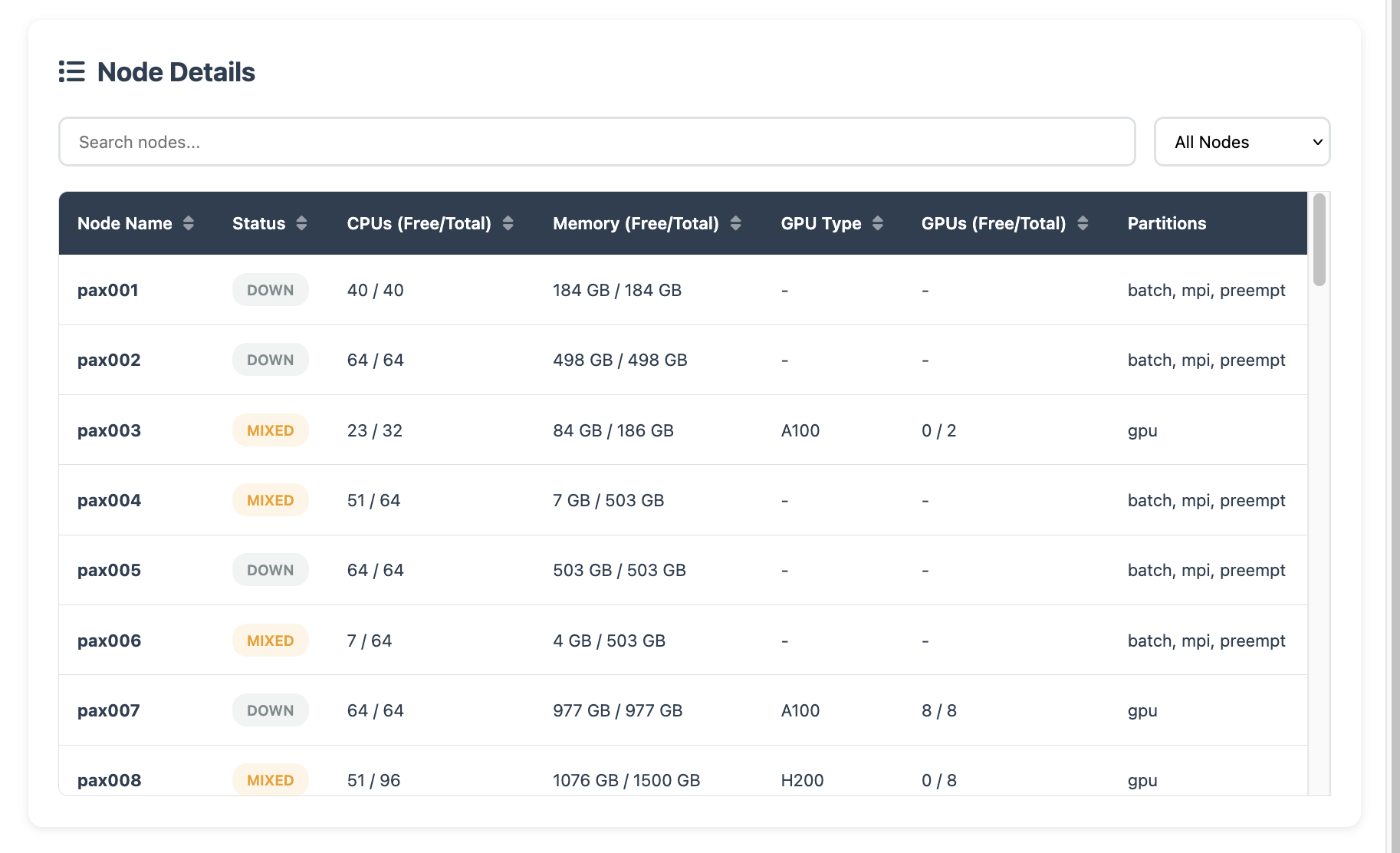
It also shows node-level resource availability details:
Interactive Apps#
There are many popular GUI-ready applications available on OnDemand, such as RStudio, Jupter, Matlab Server, VSCode Server, .etc
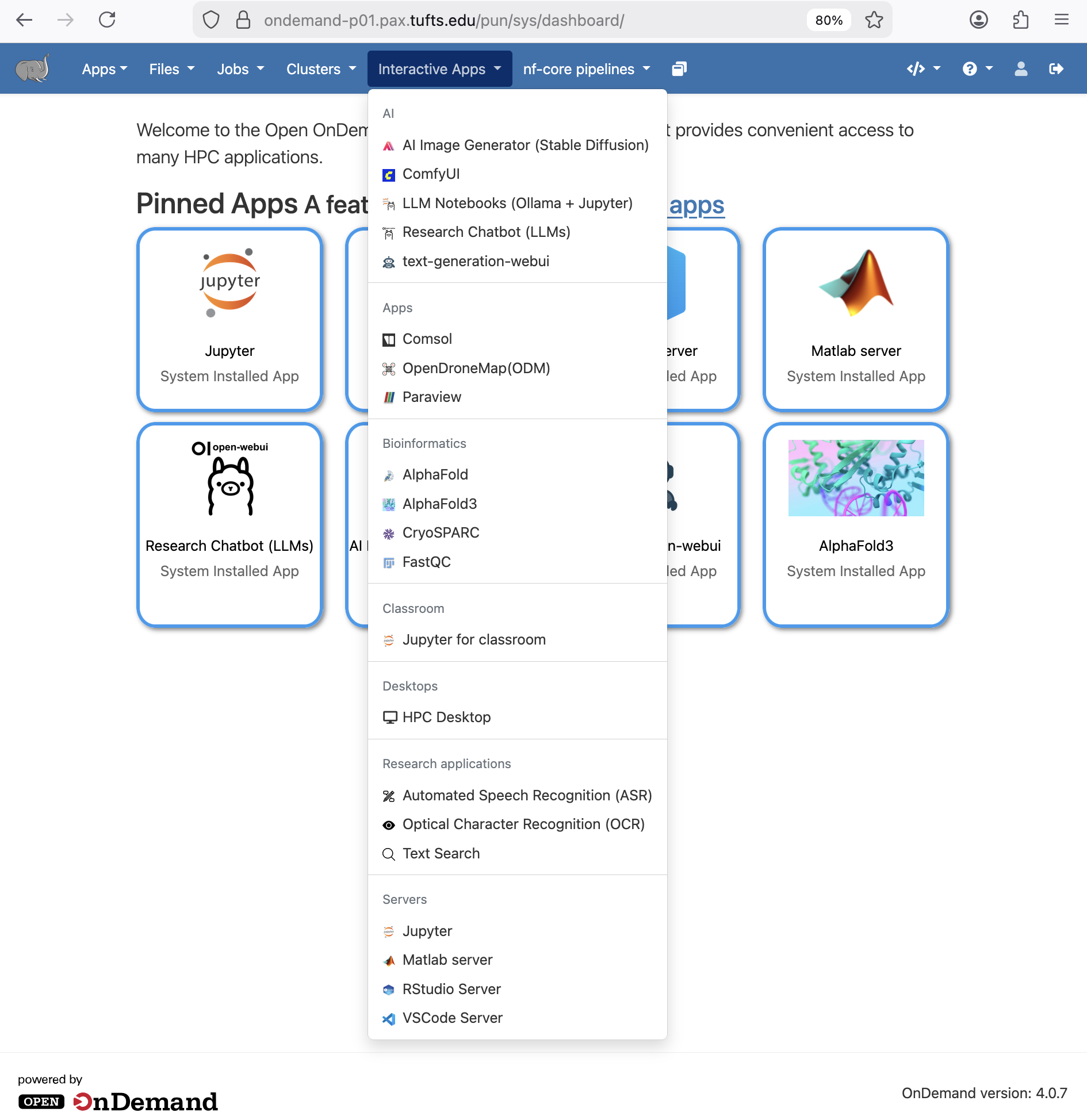
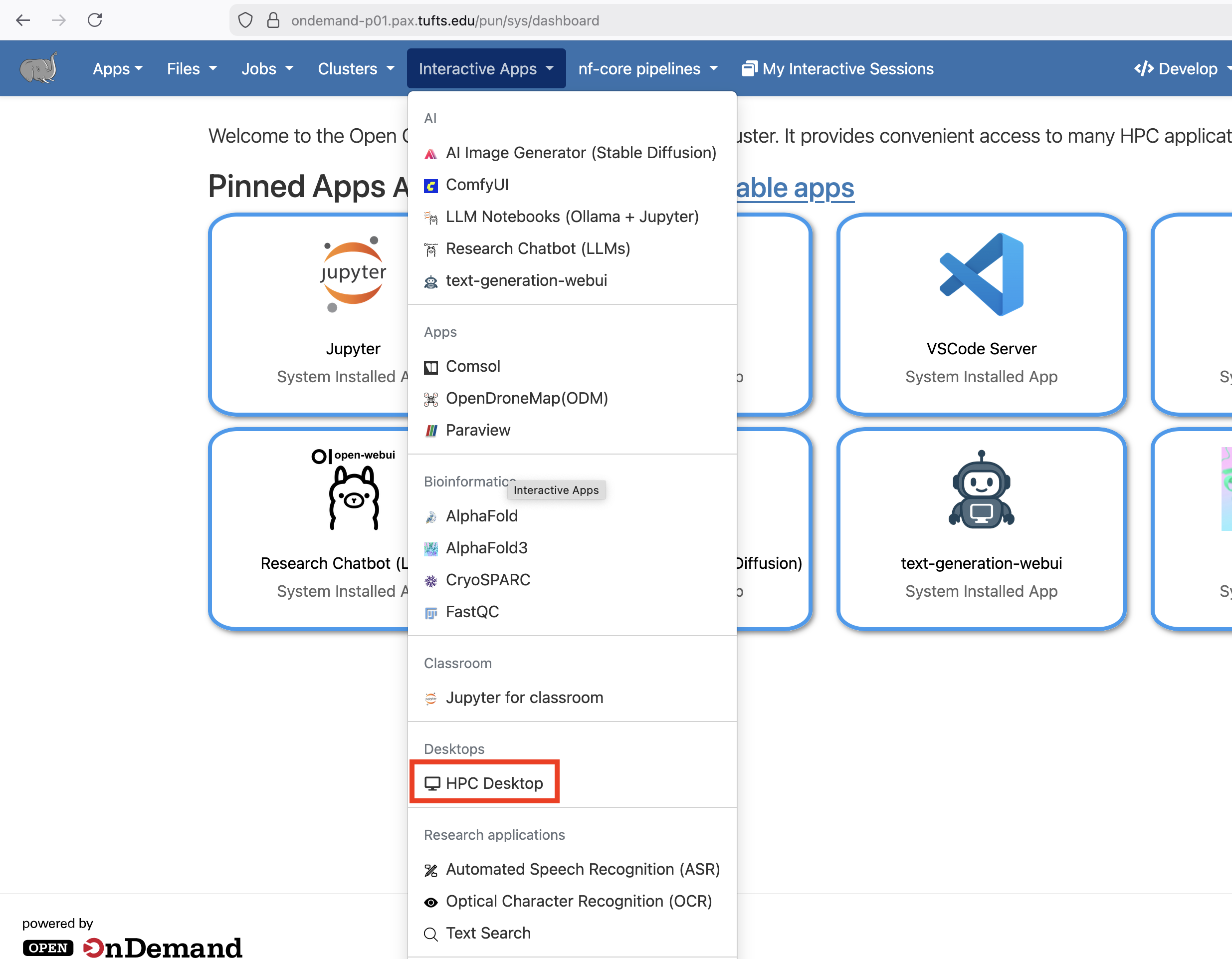
If you need X11 access through OnDemand to display any GUI applications that’s not already available under Interactive Apps, HPC Desktop is a great option.